We hope you have already read our tutorial on How to Set Up a cPanel Email Account in Android, and you have already added a built-in email widget to your Android screen. cPanel allows you to send email using various IMAP/POP/SMTP technologies.
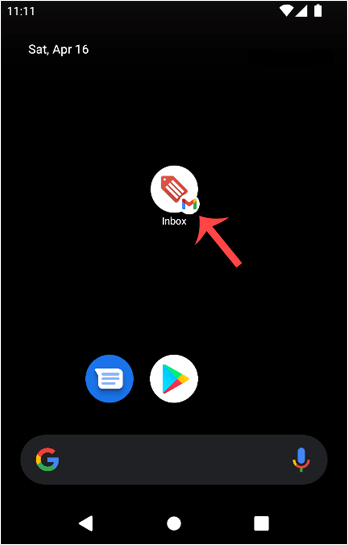
1. Open your Email inbox or Gmail Application.![]()
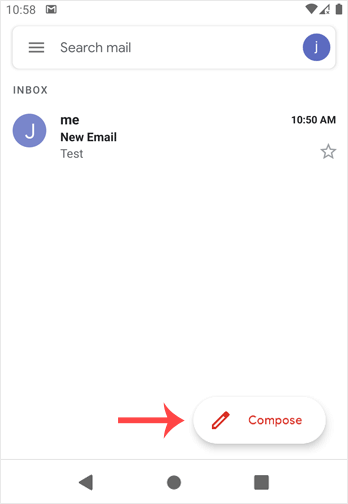
2. In the Mail app, tap on Compose.

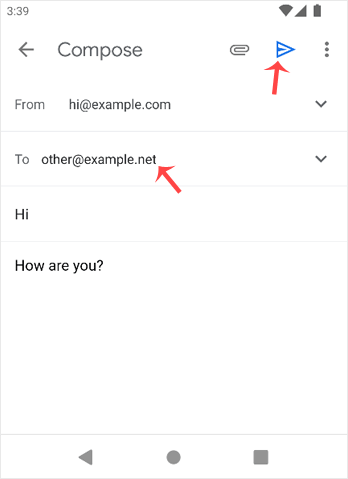
3. Enter the email address of the person you want to send the email to in the To field. Enter the email subject, and type your message. Then tap on Send.
- Home
-
Store
- Browse All
- Linux Shared Hosting
- DirectAdmin Shared Hosting
- Windows Shared Hosting
- Linux Reseller Hosting
- DirectAdmin Reseller Hosting
- Windows Reseller Hosting
- linux Cloud VPS
- VPS Windows Cloud Servers
- Wordpress Hosting
- SSL Certificates
- Business Email Solutions
- Enterprise Email Solutions
- Email Solutions
- Dedicated Servers USA
- Dedicated Servers India
- Weebly Website Builder
- Google Workspace
- OX Business Email US
- OX Enterprise Email US
- Register a New Domain
- Transfer Domains to Us
- Announcements
- Knowledgebase
- Network Status
- Contact Us
-
More